
Inbox Filter Tabs
Inbox Filter Tabs is available with different options .

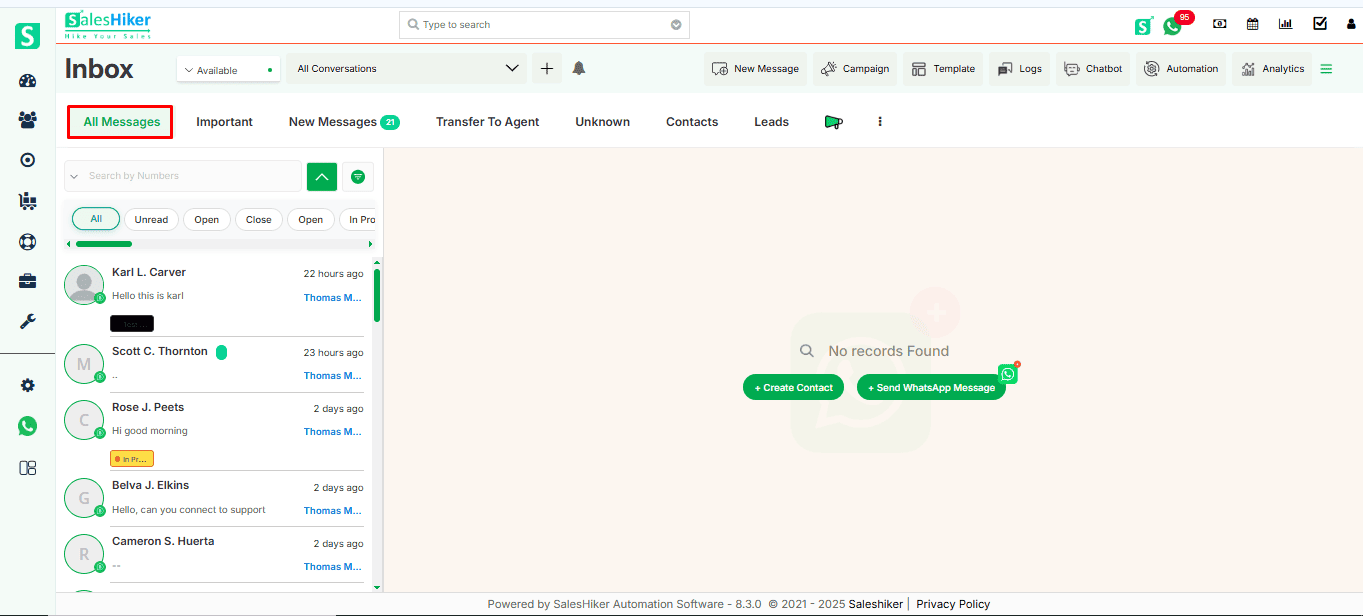
All Messages
In the ‘All Messages’ section, all conversations will be displayed, including important, saved, unsaved, new messages, and WhatsApp chats from different modules.
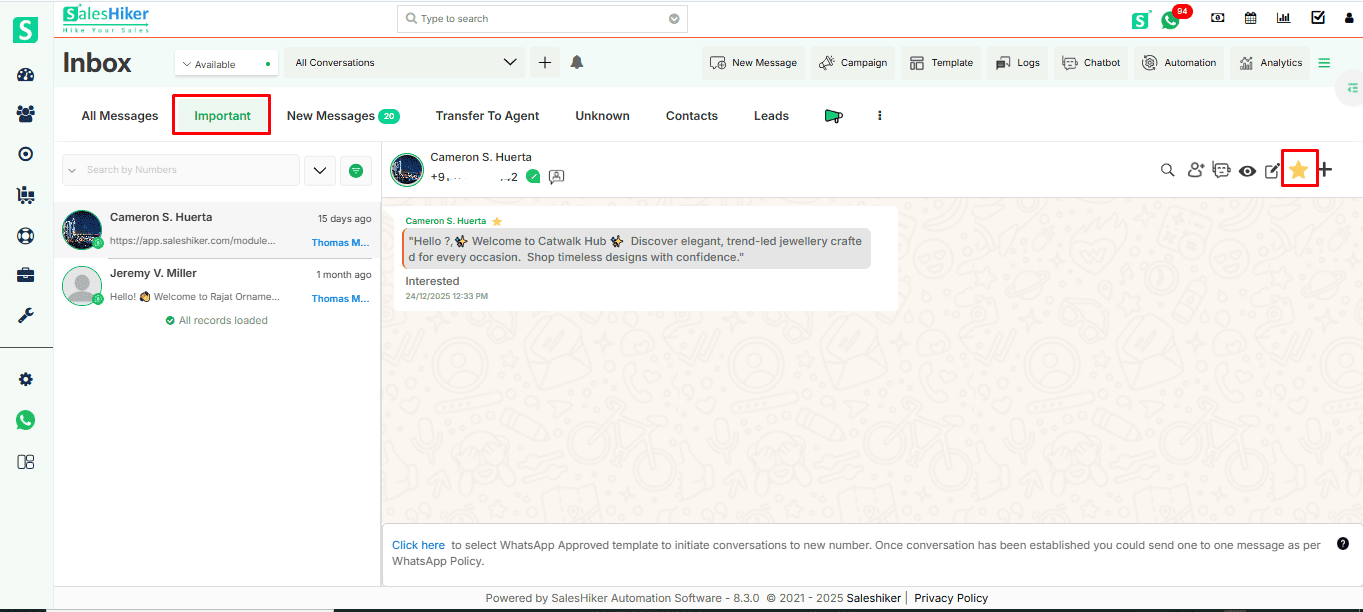
Important Messages
- An important feature helps you to quickly access your WhatsApp Business contact which is important.
- You can manage to move any contact under Important by simply click on
 icon to move contact under Important contact.
 - Marked as important chat will be visible with
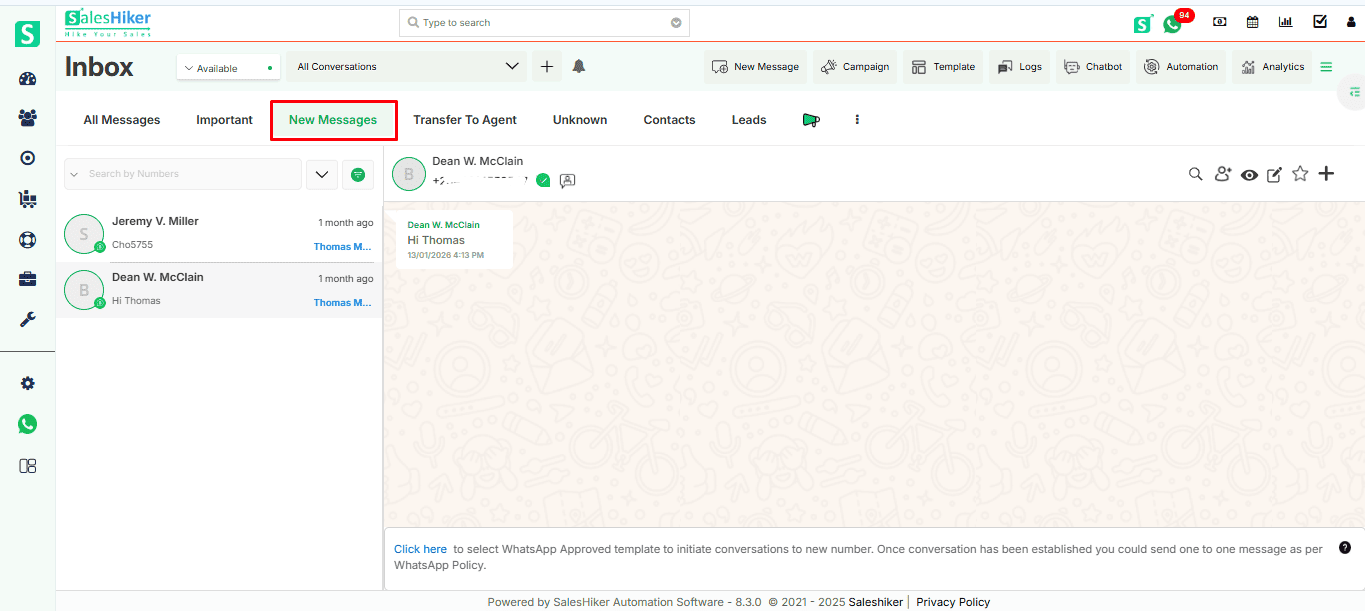
New Message
- In the WhatsApp Business messages, New messages area list display all unread messages either from “unknown number” or “existing contact records”
- WhatsApp Business messaging has the same option as sending/receiving message to individual records
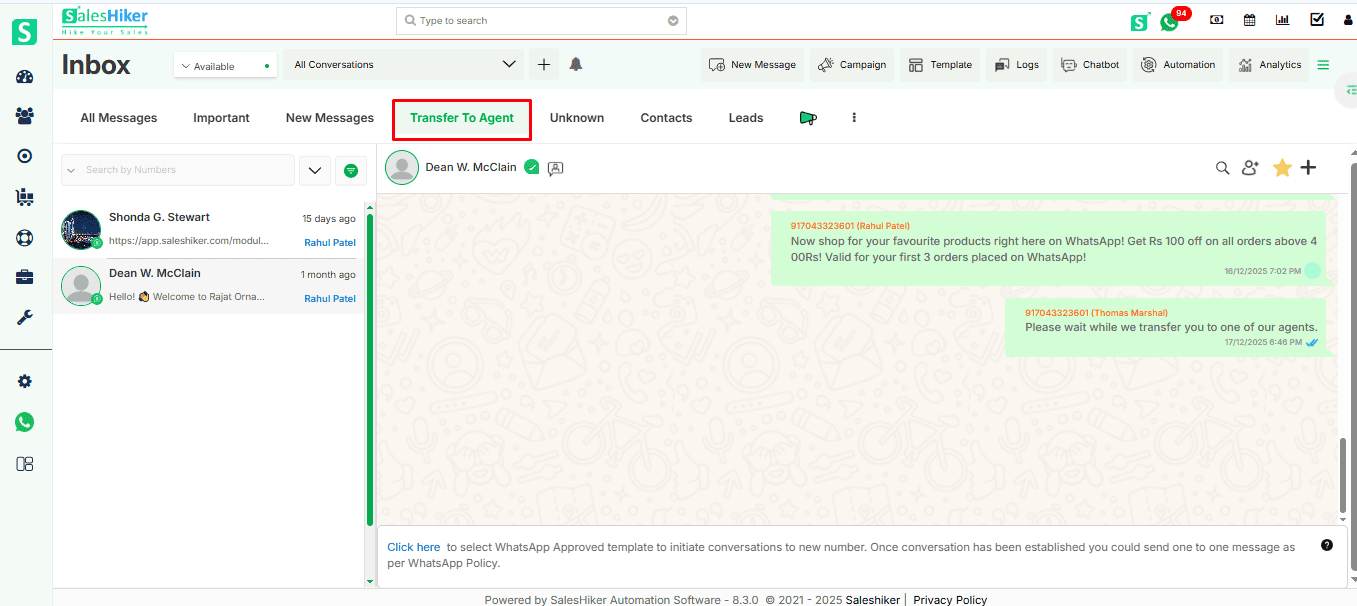
Transfer To Agent
When the bot is transferred to an agent (Manual mode), it shows the contact from which the bot conversation was held in the ‘Transfer to Agent’ section for the manual conversation.
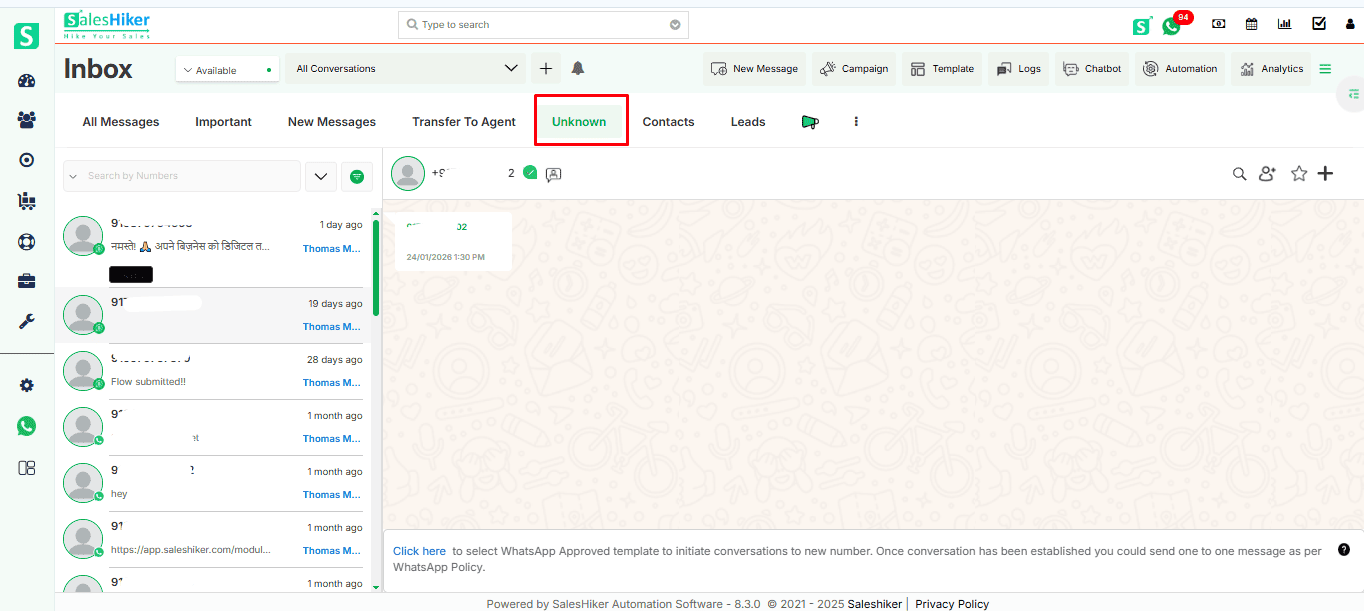
Unknown
- “Unknown numbers” in the WhatsApp Business Global messages area list all messages from an “unknown number” not stored as a record in CRM.
- “Unknown numbers” messaging section has the same option as sending/receiving messages to individual records.
- From Unknown number there is an option to Create new customer record or update “Unknown number” to existing record in SalesHiker.
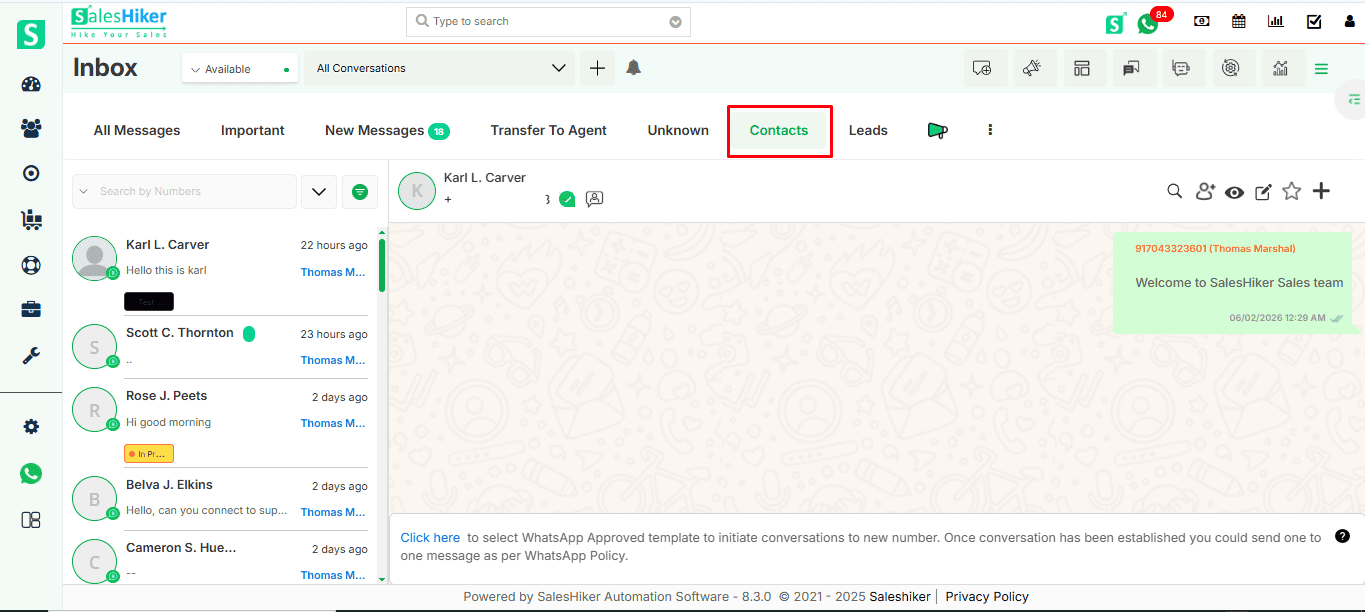
Modules (Contacts)
Here in the contacts section the WhatsApp chats which are saved as record in contact module will appear here.

 by
by