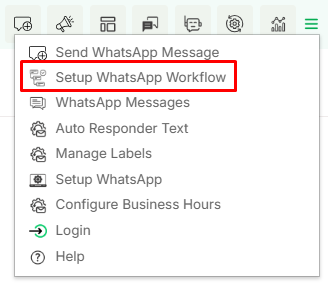
This option will redirect a user to the workflow module where the user can create and manage workflows.
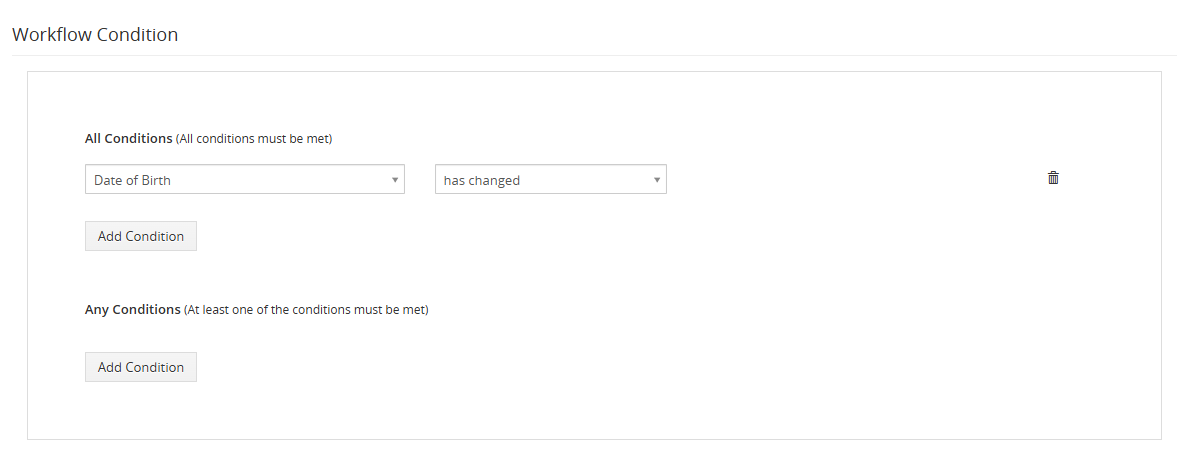
WhatsApp workflow allows sending Automated WhatsApp messages on the trigger event of any module link with the WhatsApp module.
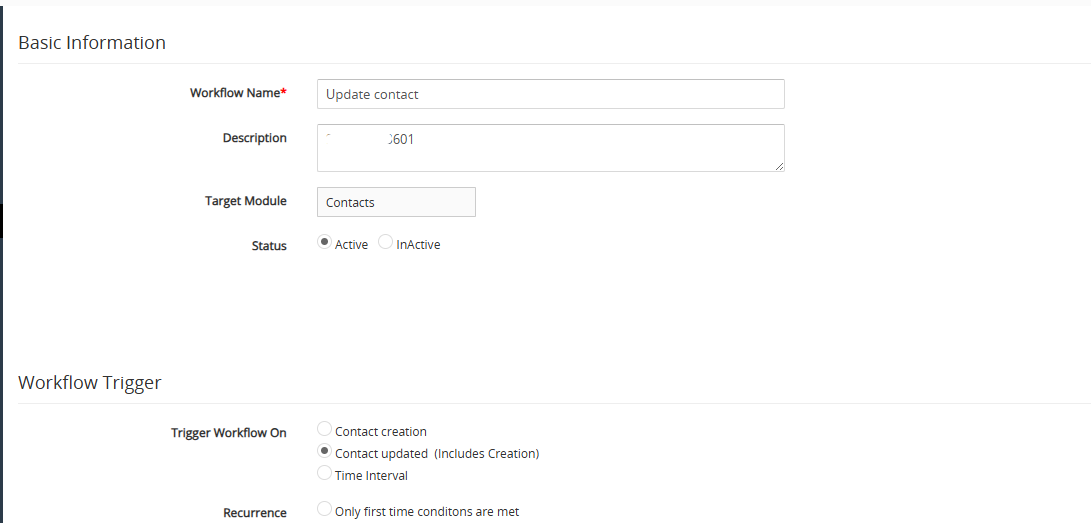
The WhatsApp Business workflow can configure the WhatsApp Business messages to whom we want to send individually WhatsApp Business templates to share files or message format, general field, add fields and message.
In the above workflow whenever conditions will be matched and the contact get updated the user will get a message on WhatsApp business.
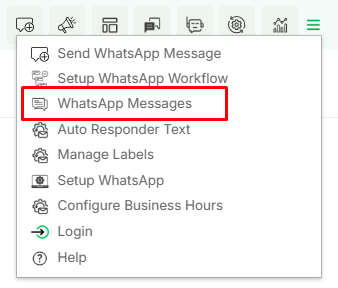
WhatsApp Messages
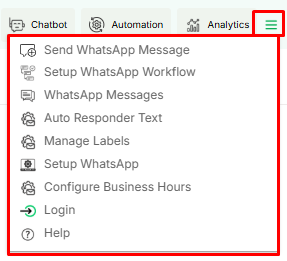
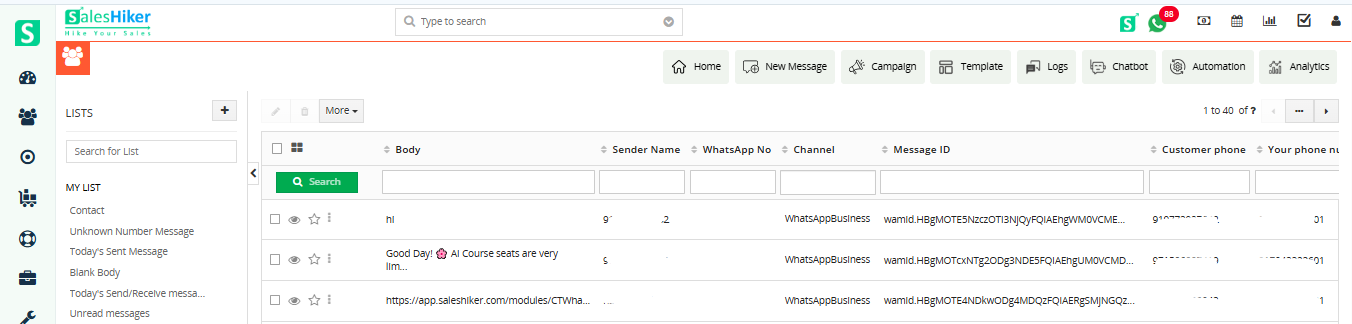
This option will direct the user to the WhatsApp Log screen.
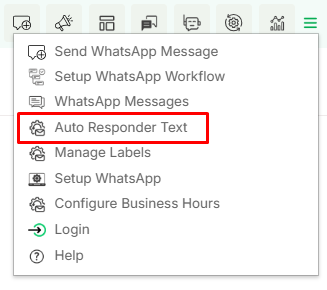
Auto Responder Text
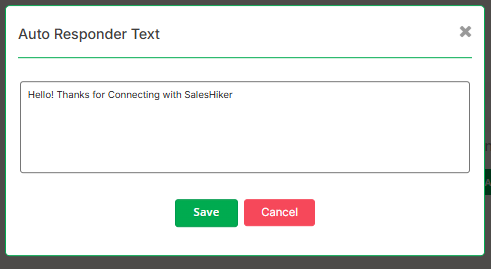
The Auto Responder Text feature allows users to set predefined messages that are automatically sent in response to incoming messages. This is especially useful in WhatsApp Business for customer service and engagement.
This message will be sent to the receiver when he/she sends a message for the first time.
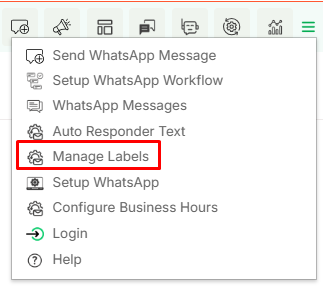
Manage Labels
Labels can be managed and added from this menu.
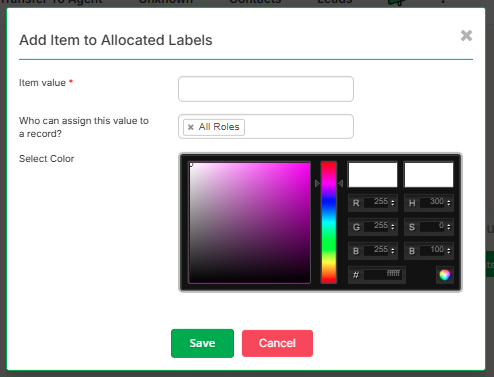
By clicking on this menu below the screen will be open.
Where users can add the name of label and also it can be assigned to a particular role with specific color.
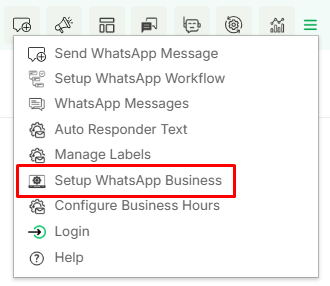
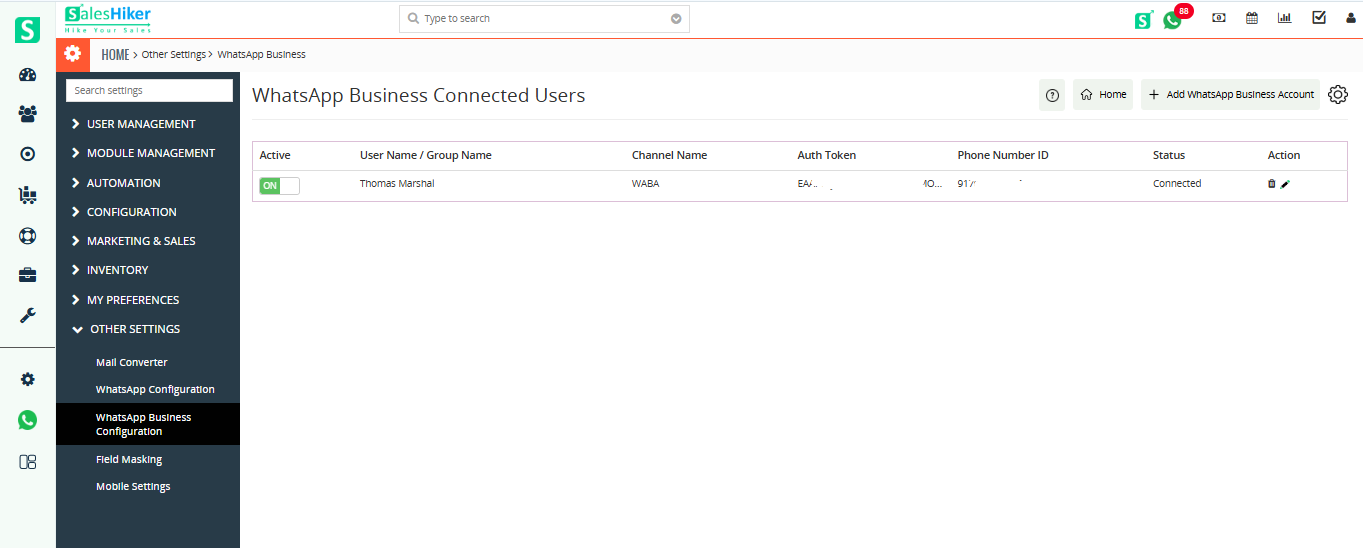
Setup WhatsApp Business
From this screen the connected WhatsApp business number details will be visible here.
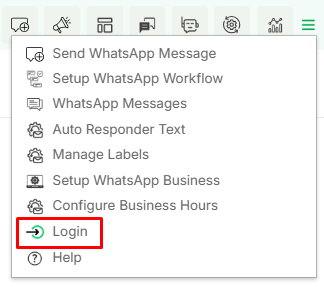
Logout
The Logout option allows users to sign out of their WhatsApp Business account, ensuring security and preventing unauthorized access.
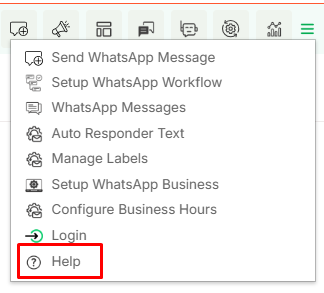
Help
When the user clicks on ‘Help,’ they will be redirected to the user guide of WhatsApp Business Integration.
We use cookies to improve your experience, to analyze our traffic and to provide you with more interactions. Click “Allow All Cookies” to accept our use of cookies.
Privacy Policy




 by
by