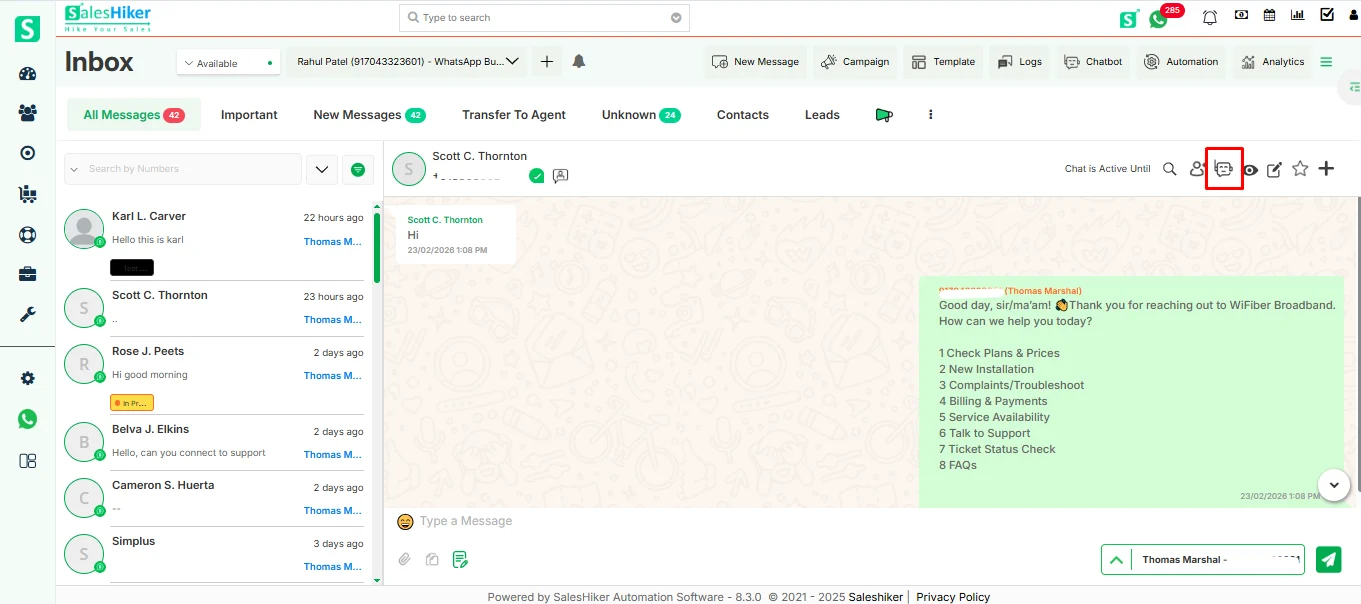
Clicking on this will stop automatic conversation from the Bot to the selected customer number.
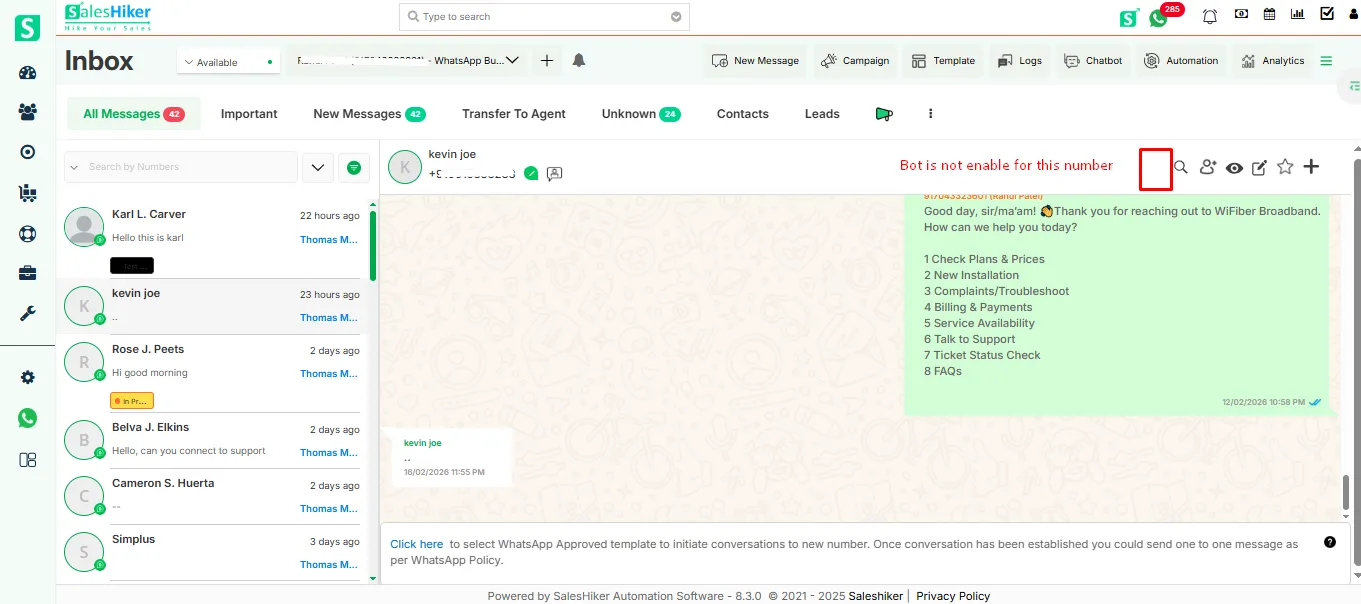
If Chat is initiated for any number, then only the Chatbot icon will be displayed on the Chat timeline screen. Otherwise, the Chatbot icon will not be displayed.
If the initiated Chatbot flow ends with the conversation for the number, then the Chatbot icon will disappear for that number from the Chat timeline screen. And again if the user starts a conversation via Chatbot flow then the Chatbot icon will appear again for that number.
We use cookies to improve your experience, to analyze our traffic and to provide you with more interactions. Click “Allow All Cookies” to accept our use of cookies.
Privacy Policy


 by
by