
How to Access the Inbox
This module can be accessed from the header.
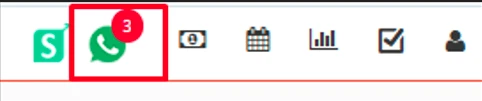
By clicking on this highlighted icon WhatsApp and WhatsApp business both will be accessible.
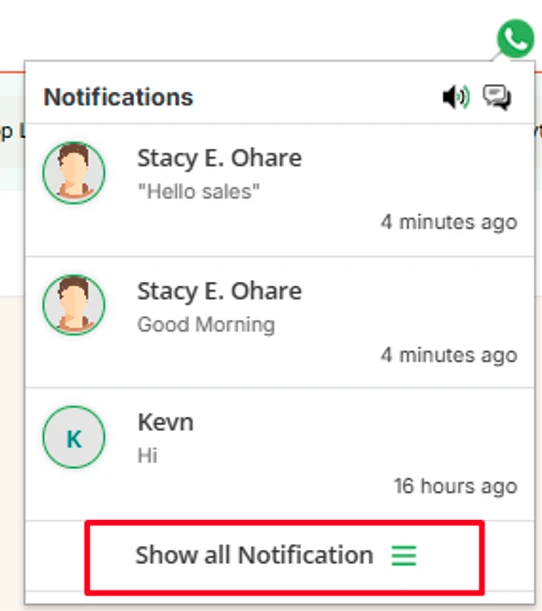
By clicking on this ‘Show Notification’ below the screen will be visible.
Here the first screen of the inbox is visible.
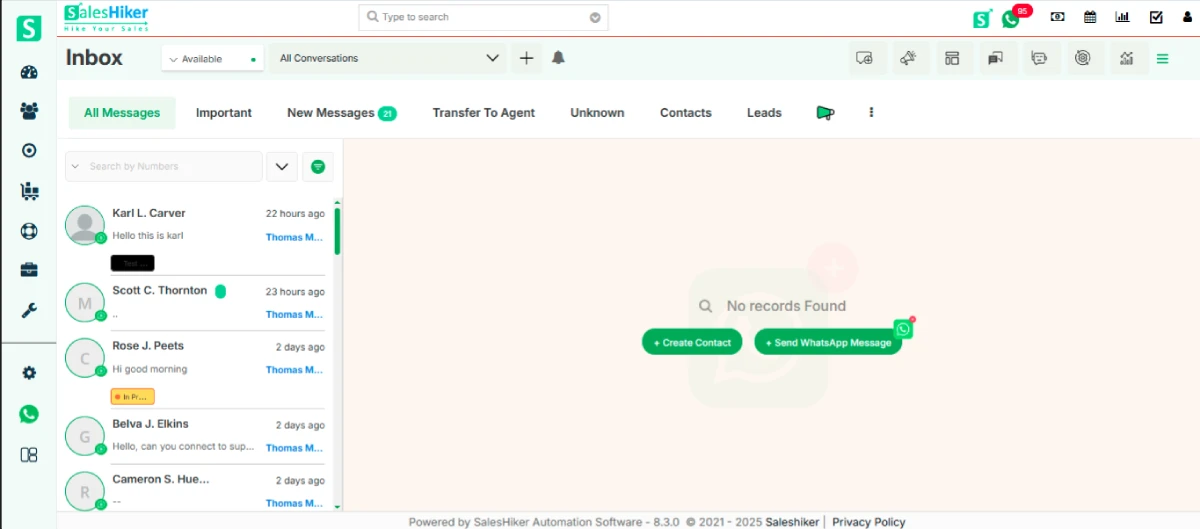
Here all the options for WhatsApp and WhatsApp business are available.
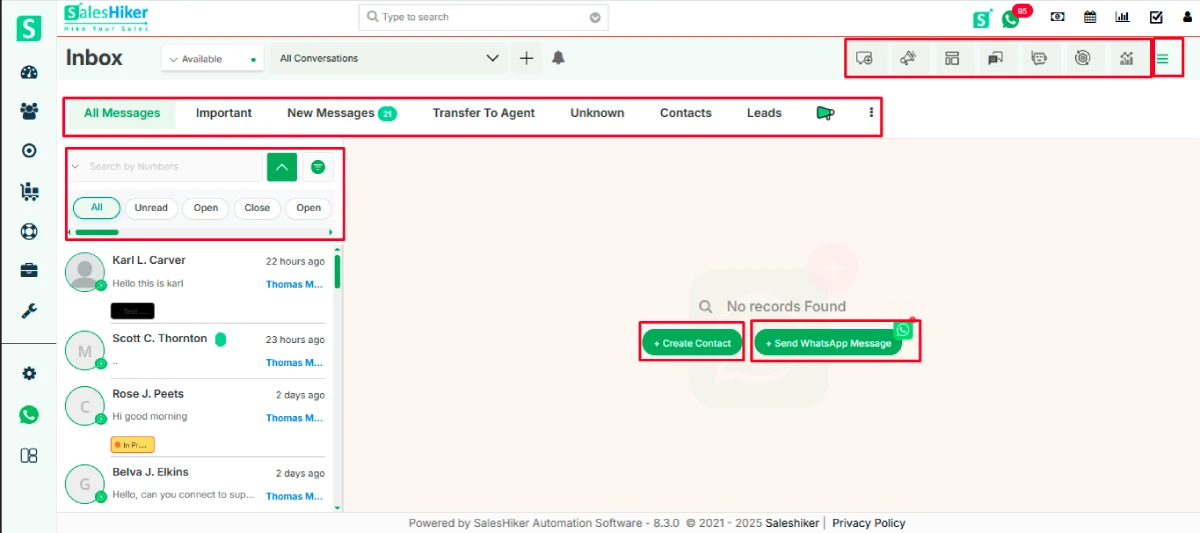
Create Contact
- To create a contact from WhatsApp chat screen .
- Click on ‘Create Contact’.
After clicking on it below screen will appear.
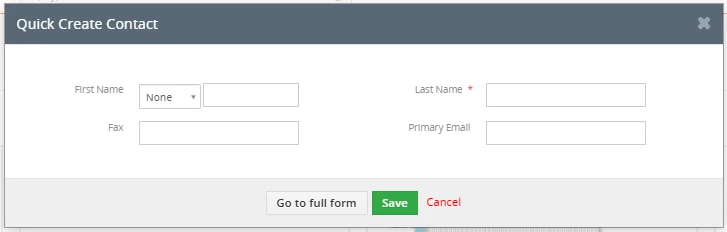
- Add data to save this contact.
To send a WhatsApp Message Click on ‘Send WhatsApp Message’
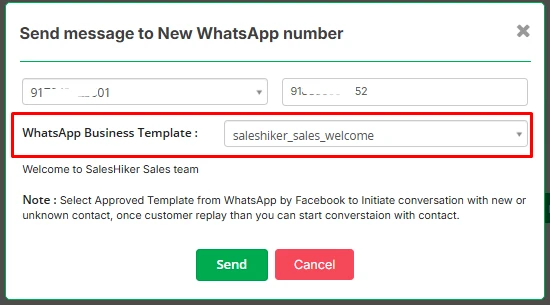
- By clicking on that button below the screen will be open.
- Users have to select WhatsApp Business Number they want to send a WhatsApp message.
After selecting WhatsApp business number to send a message then the first message will be any pre approved WhatsApp template to initiate conversation.

 by
by