



How to Install and Access SalesHiker Mobile Apps?
- Open SalesHiker Website URL
- Click on Start Trail in the page below
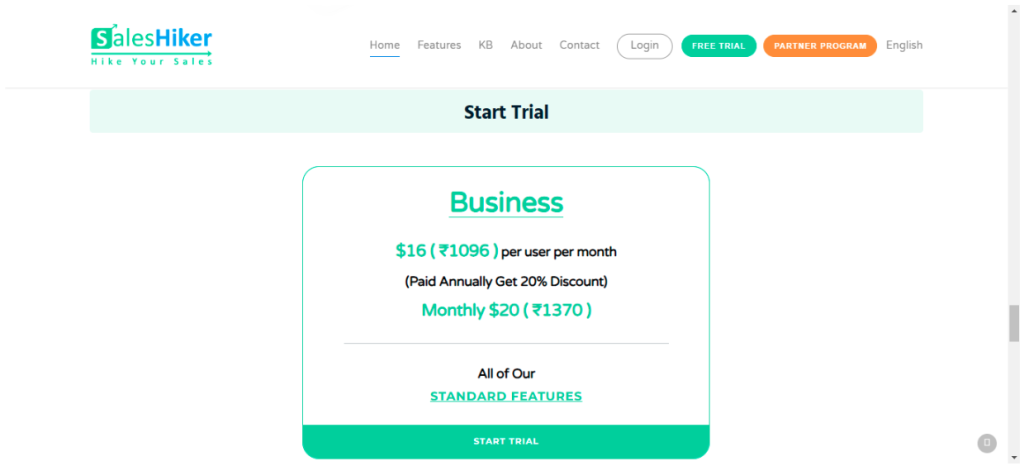
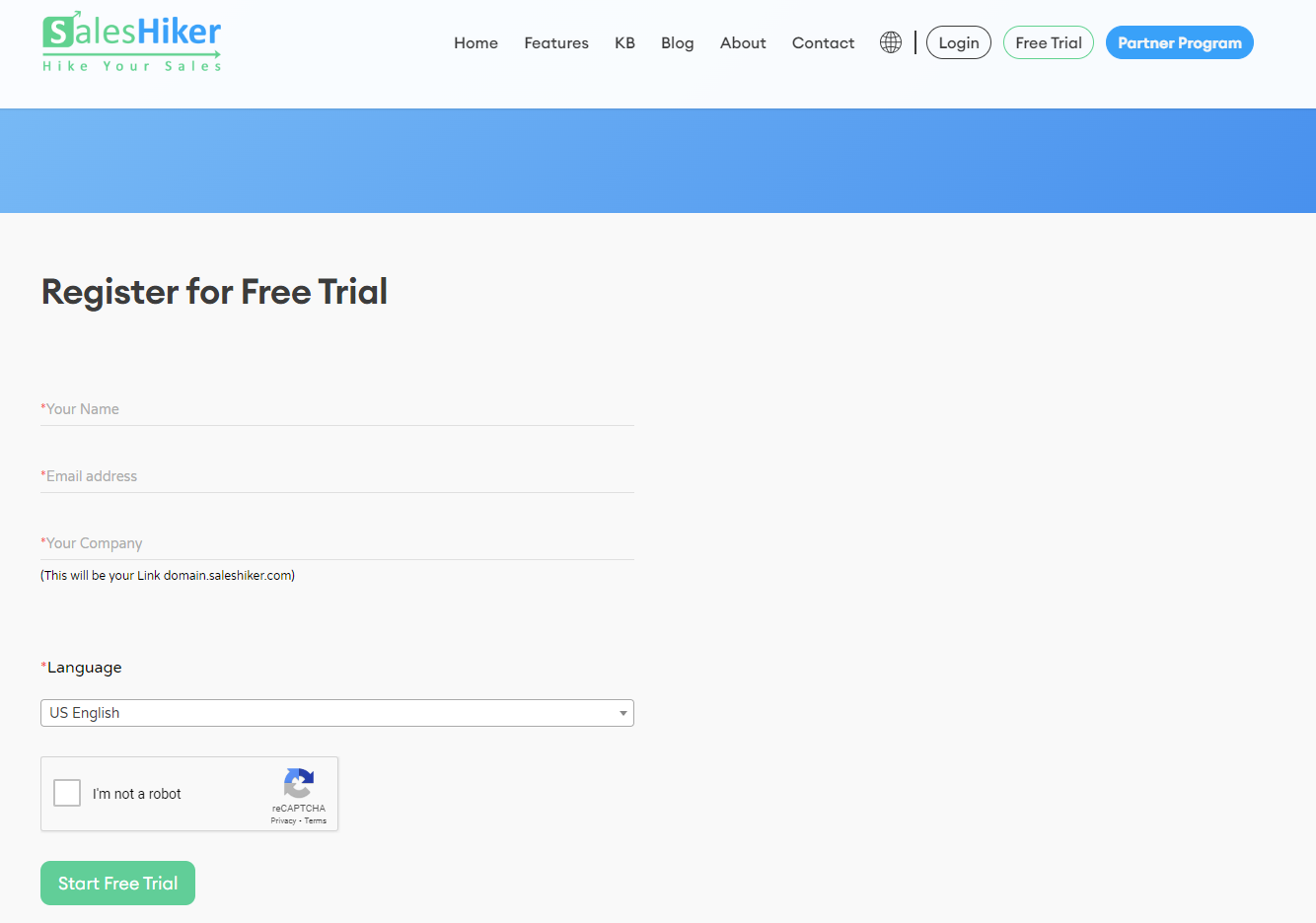
- Register for 21 days Free Trial by entering all the details and click on Start 21 Day Free Trial Button.
- After making a free trial order, Tenant Set-up link will be sent a registered Email ID.
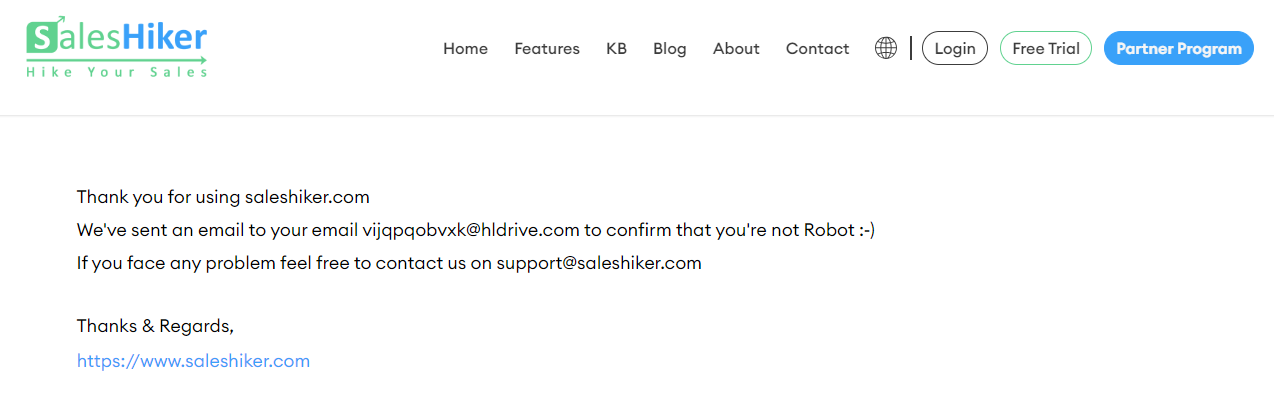
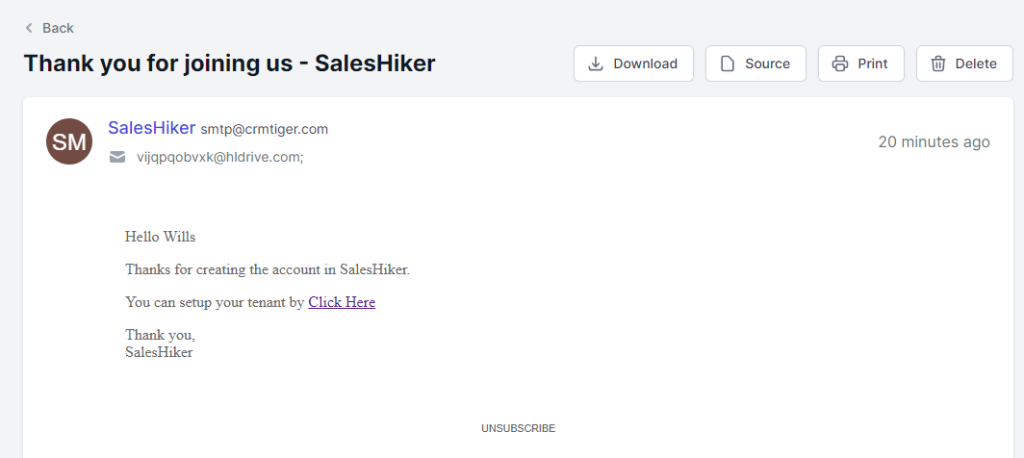
- Click on click here and your tenant will set-up in 2-5 minutes.
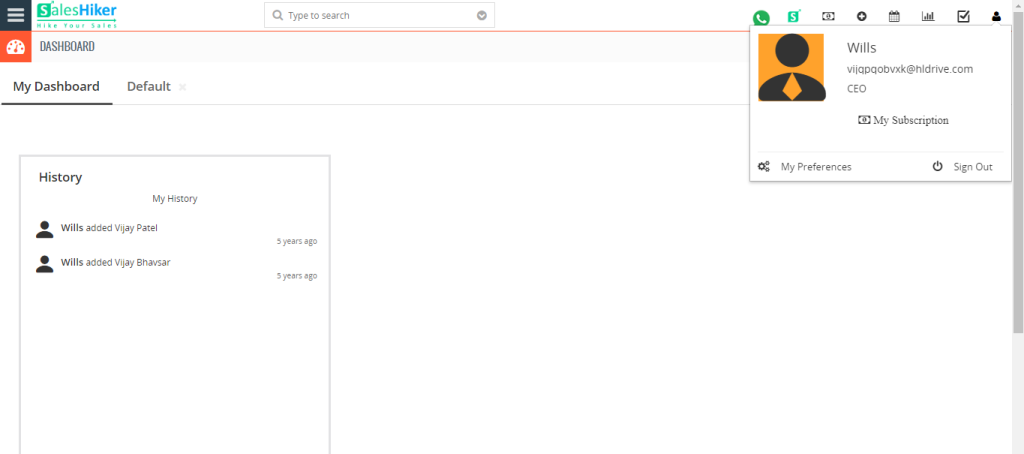
- Your SalesHiker CRM will open automatically.
- You will receive Login Credentials on registered Email ID once your tenant is set-up perfectly.
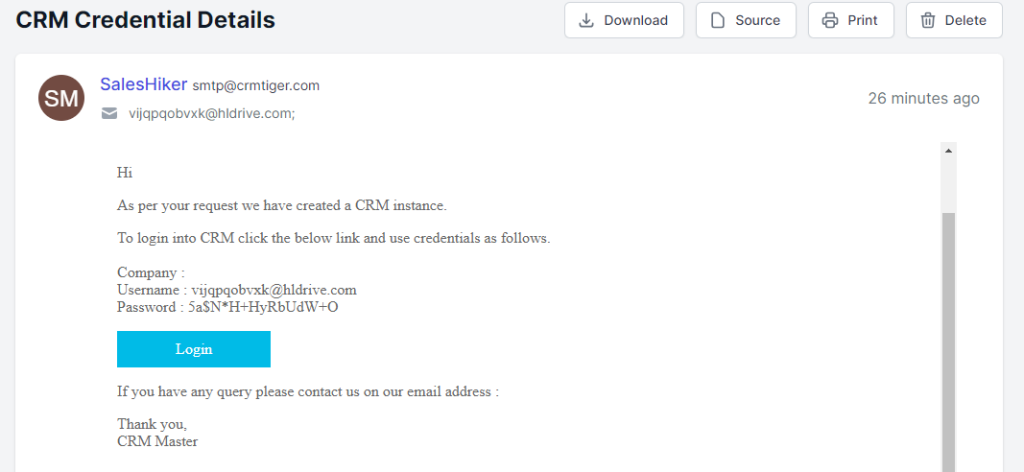
- Now, you can Login into CRM by using valid credentials.
- You can see the SalesHiker App installed successfully.
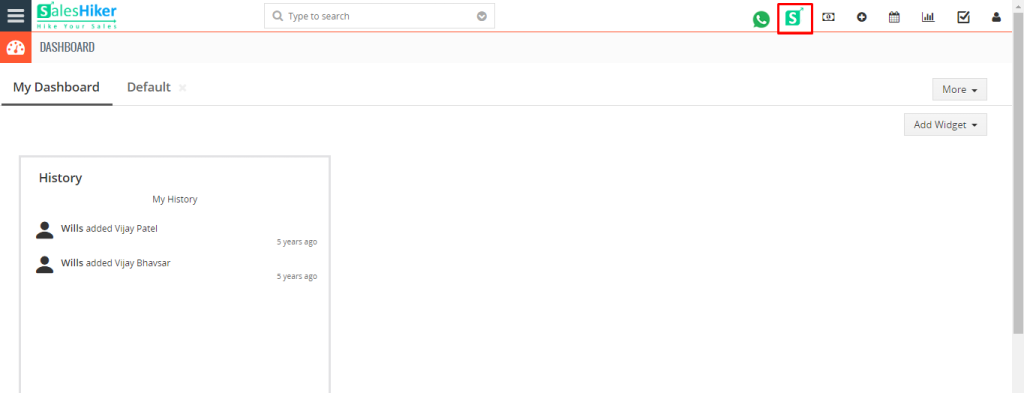
- So, now you can Login into the SalesHiker App by using valid credentials.
- You can install Android App and iOS App for SalesHiker using the given URL link.

 by
by