
Automation – Auto Responder
No Agent Availability Response
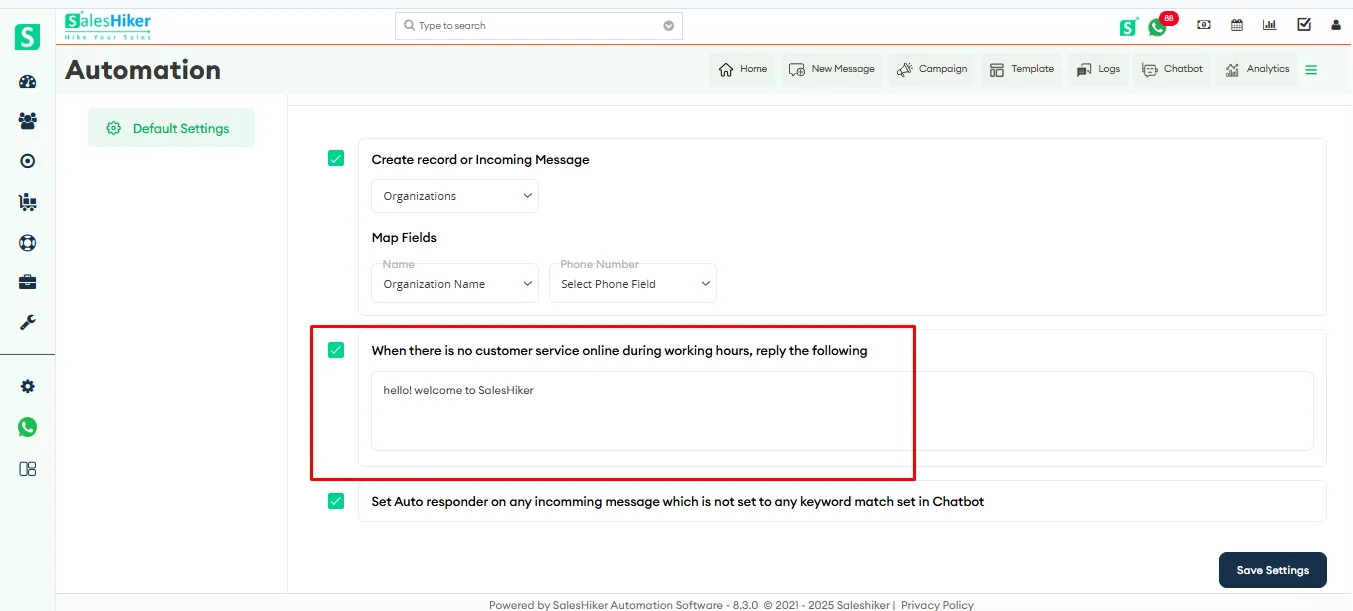
Configure an automated message that is sent to customers when no customer service agents are available during defined working hours. This ensures timely acknowledgment of customer messages and informs them that their query will be addressed once an agent is available.
Note: The message configured here will be set as the Auto-Responder and will also be reflected in the WhatsApp Business Configuration Auto-Responder settings. If the message is updated from the configuration page, the changes will automatically be reflected here as well.
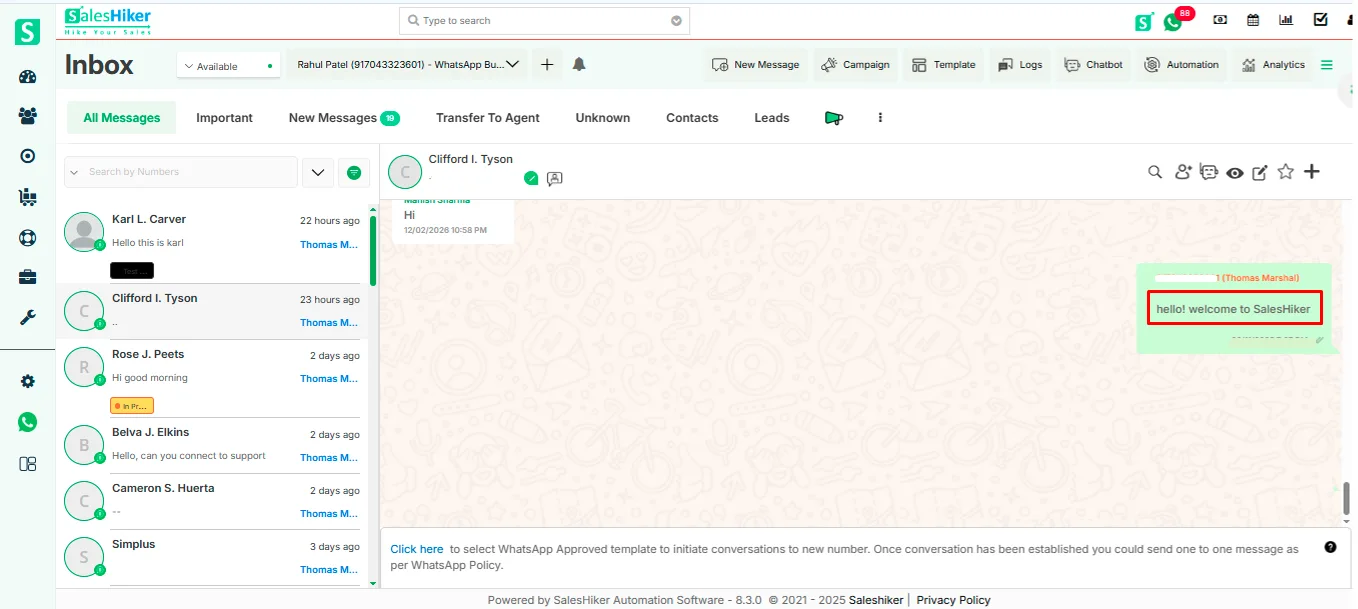
Default Auto-Responder
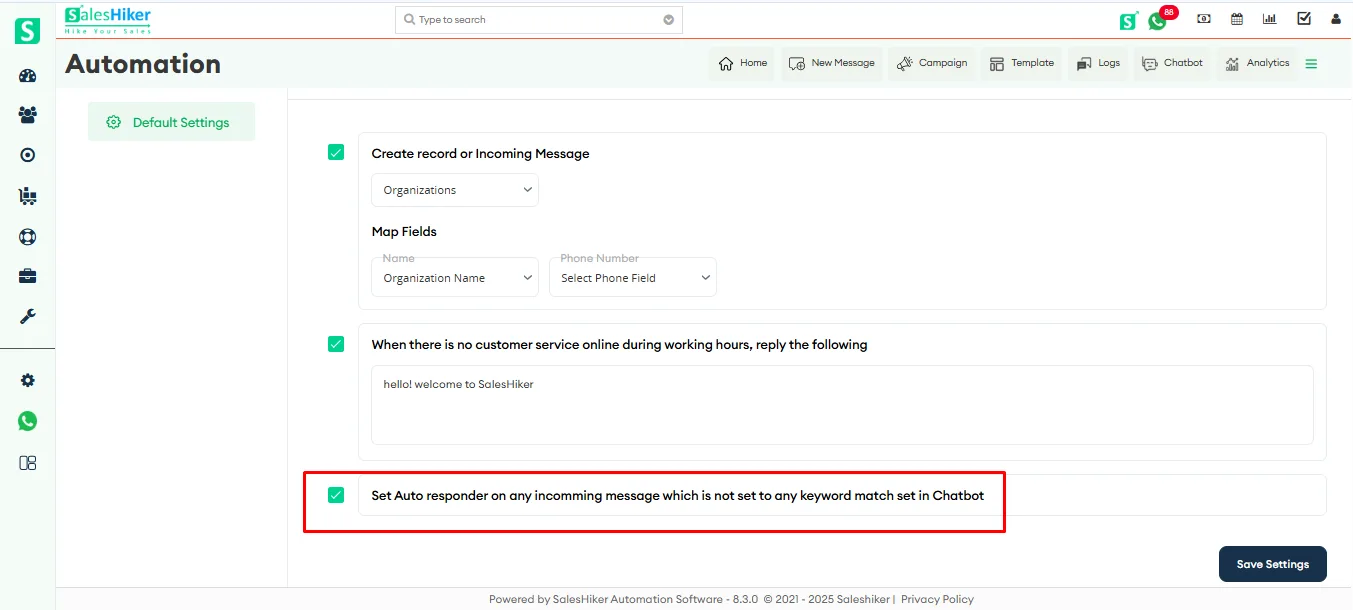
Set a standard fallback reply for all incoming messages that do not match any predefined chatbot keywords. This helps capture user intent, provides initial guidance, and ensures no message goes unanswered.
Save Configuration
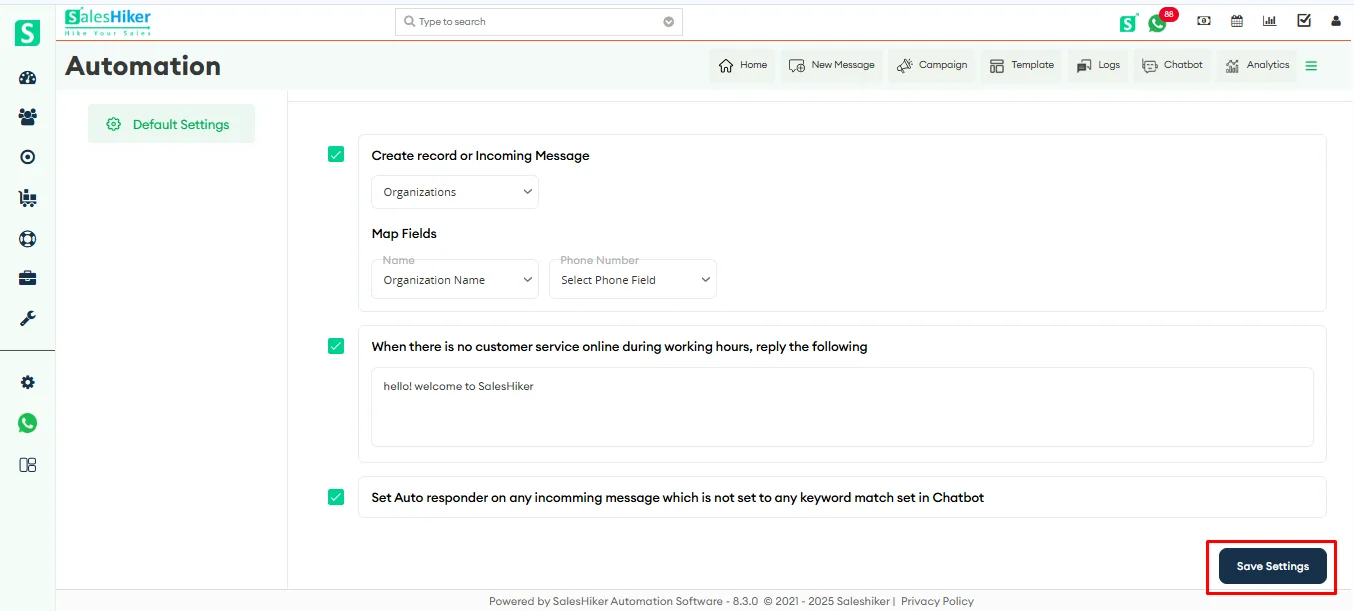
Click Save Settings to apply and activate the configured automation rules.

 by
by